
Review payment history and transaction status
Find top-up records, order references and displayed payment messages.
In Account Balance, Payment History lists account top-ups with their order reference, amount, status and any error message. Ask your account contact about an unclear result before retrying.
Open Account Balance (opens in a new tab)Jump to a step
Step-by-step guide
4 stepsBefore you start
- The division and top-up you want to check.
- The amount, approximate date or order reference, if available.
- 1
Find Payment History
Open Account Balance for the correct division. Scroll below Aging Balances to the Payment History section. The line beneath the heading shows the record count and current page.
Find Payment History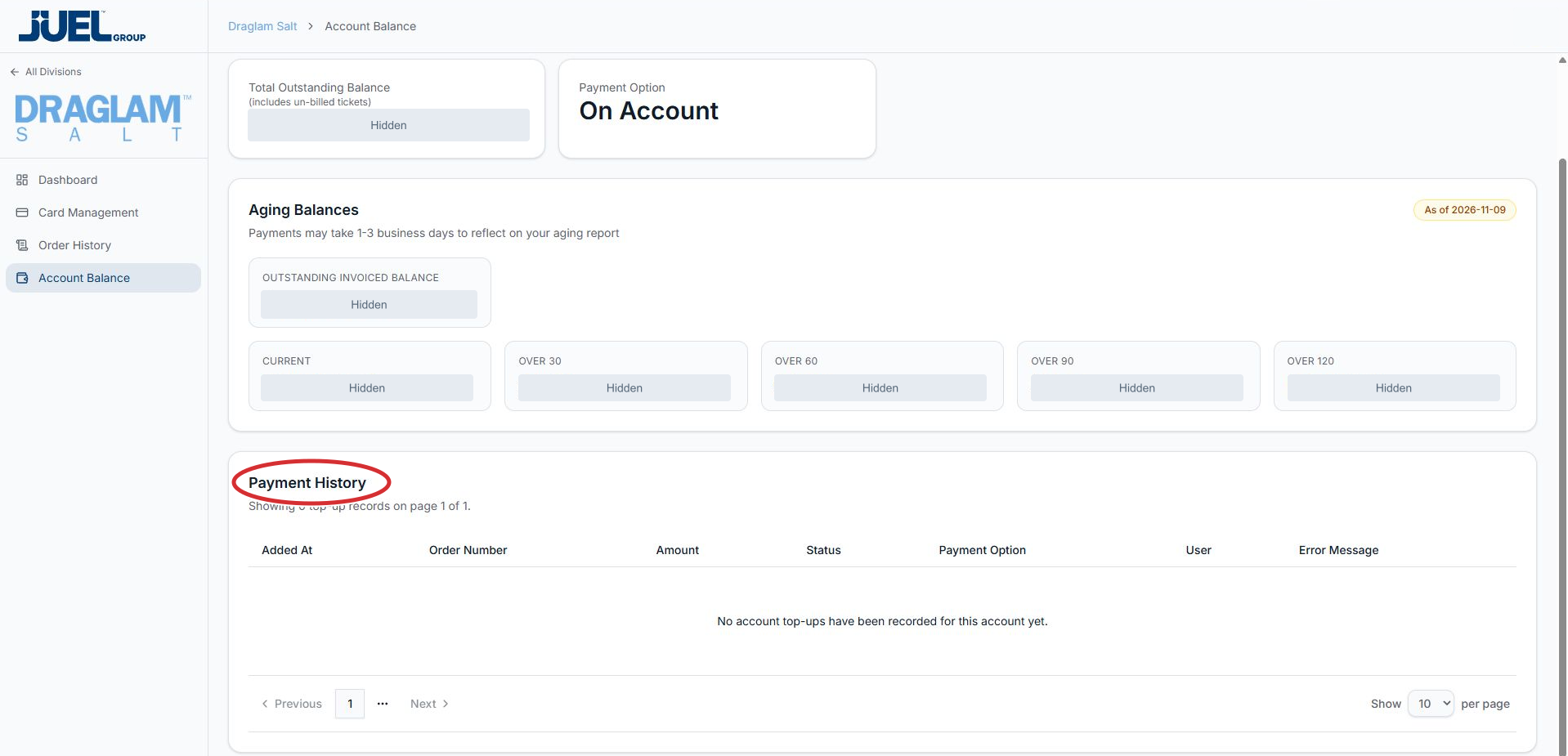
This full app view is scrolled down to show Payment History and its page controls. The example has no top-up records.
Full app view · red circles show where to look. Select View larger, then Actual size to zoom in. - 2
Identify the record and read its status
Match Added At, Order Number and Amount to the top-up you need. Read Status, Payment Option, User and Error Message in that same row. This table contains account top-ups.
Read the top-up headings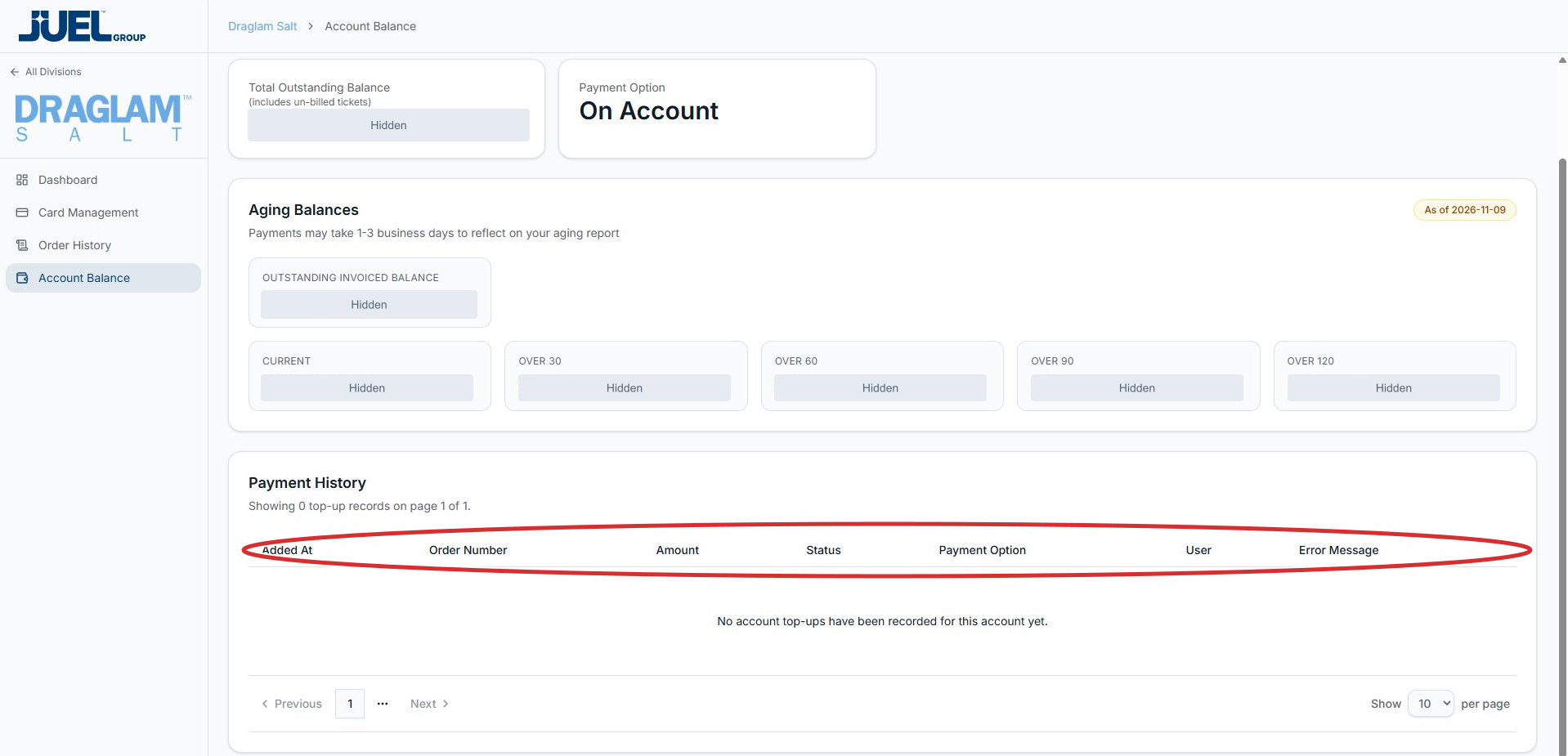
Match a top-up using Added At, Order Number and Amount, then read Status and any Error Message in the same row.
Full app view · red circles show where to look. Select View larger, then Actual size to zoom in. - 3
Browse additional records
Use Previous, the page numbers and Next below the table. The selector at the lower right changes the number of rows per page. Disabled controls cannot move to another page. If the table is empty, it states that no account top-ups have been recorded.
Browse payment history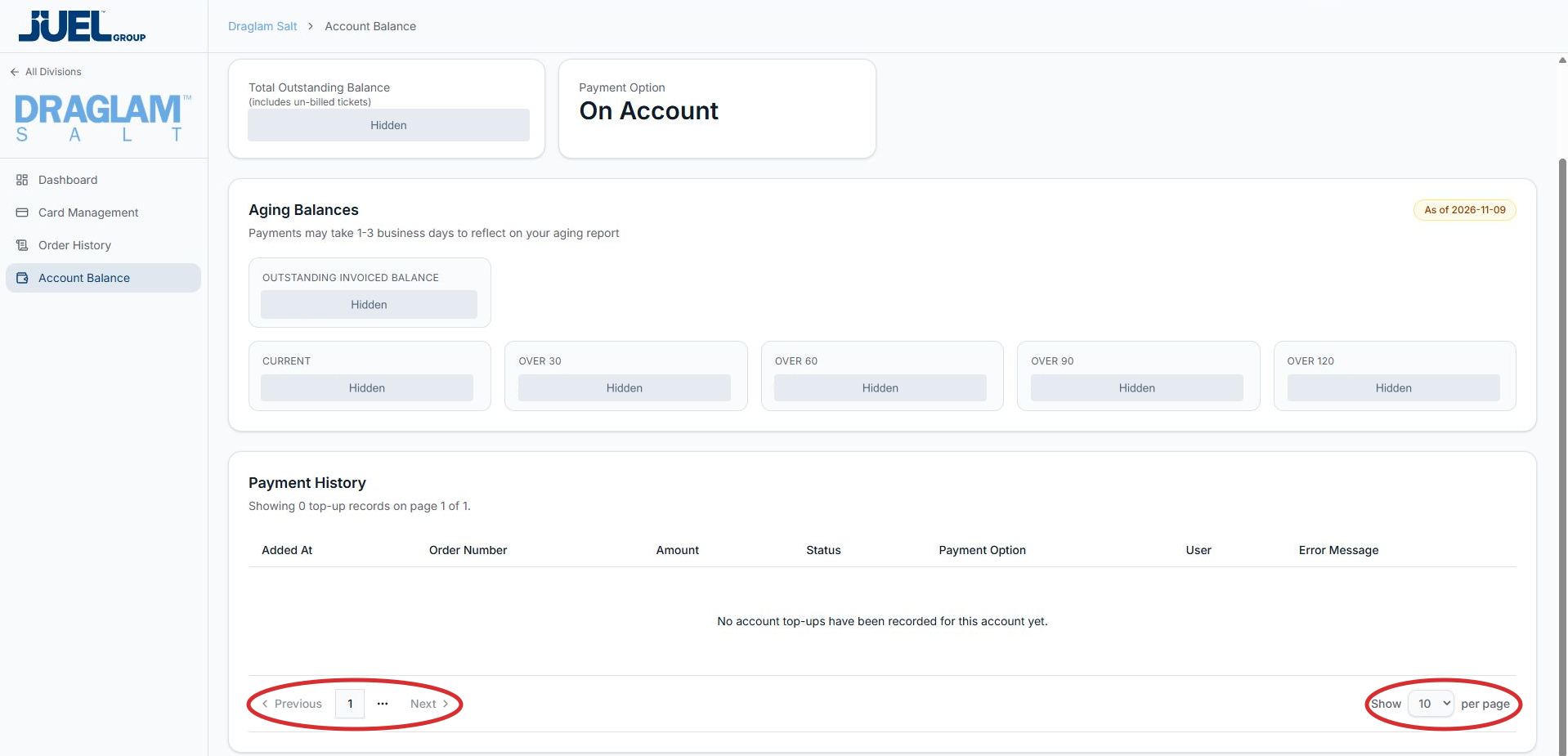
Use the page controls for additional records. This example shows an empty top-up history.
Full app view · red circles show where to look. Select View larger, then Actual size to zoom in. - 4
Ask about an unclear outcome
Give your existing account contact the division, order reference and displayed message. Confirm an unclear outcome before attempting another top-up. The separate aging report may take 1–3 business days to reflect a payment.